 Case study
Cut Video Gaps at a TV studio: a 35-minute recording cut to 24 minutes on the Mac
Cut Video Gaps is a macOS app we designed and built in-house. Rede Raseck TV, a digital TV production studio in Brazil, is its first customer case study.
- Electron
- React
- TypeScript
- FFmpeg
- faster-whisper
- Vite
- Tailwind
- Python
- macOS
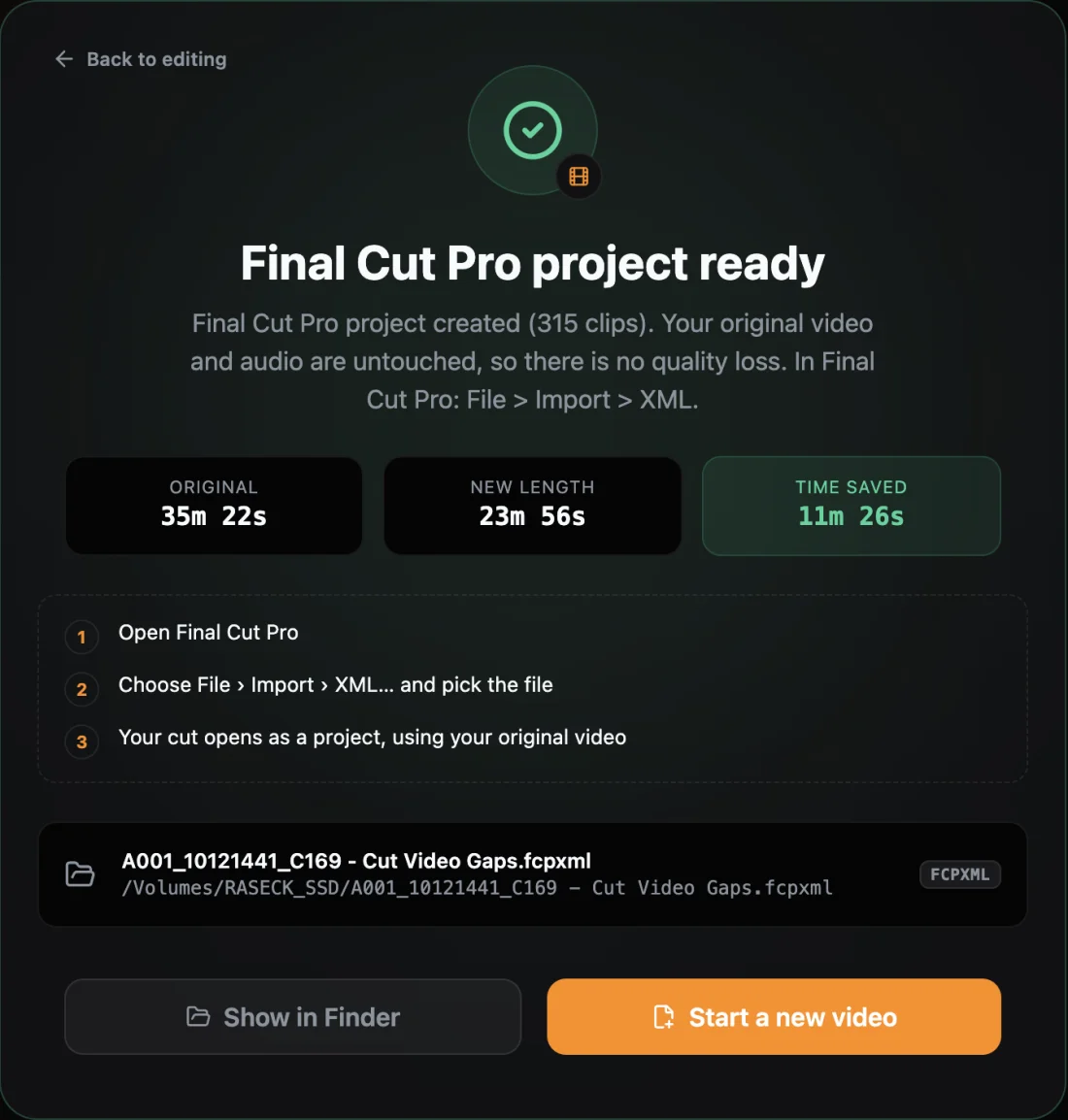
- 11:26removed from a 35:22 recording
- 315editable clips in Final Cut Pro
- ~6 hper episode, down from ~14 h (team's estimate)
- 4 daysfrom a 3-star review to the fix
The problem: about 14 hours of editing per episode
Rede Raseck TV is a digital TV production studio in Brazil. Its shows are shot in 4K against a green screen, placed on virtual sets with sponsor graphics, and edited in Final Cut Pro. The recordings are long, unscripted talks in Portuguese.
On 20 October 2026 the team edited a 35-minute recording by hand. They estimate one episode took about 14 hours of editing.
Desktop app development: what Cut Video Gaps does
- Fast Cut: silence detection with FFmpeg from a loudness envelope, for a quick first pass
- AI Auto-Cut: the recording is transcribed on the Mac, then filler words, repeated words and possible retakes are marked for review
- Exports to Final Cut Pro (FCPXML), Premiere Pro (XML) and After Effects that reference the original media: frame-accurate, source timecode kept
- Private by design: footage and transcripts never leave the user's Mac
From a 3-star review to a fix in four days
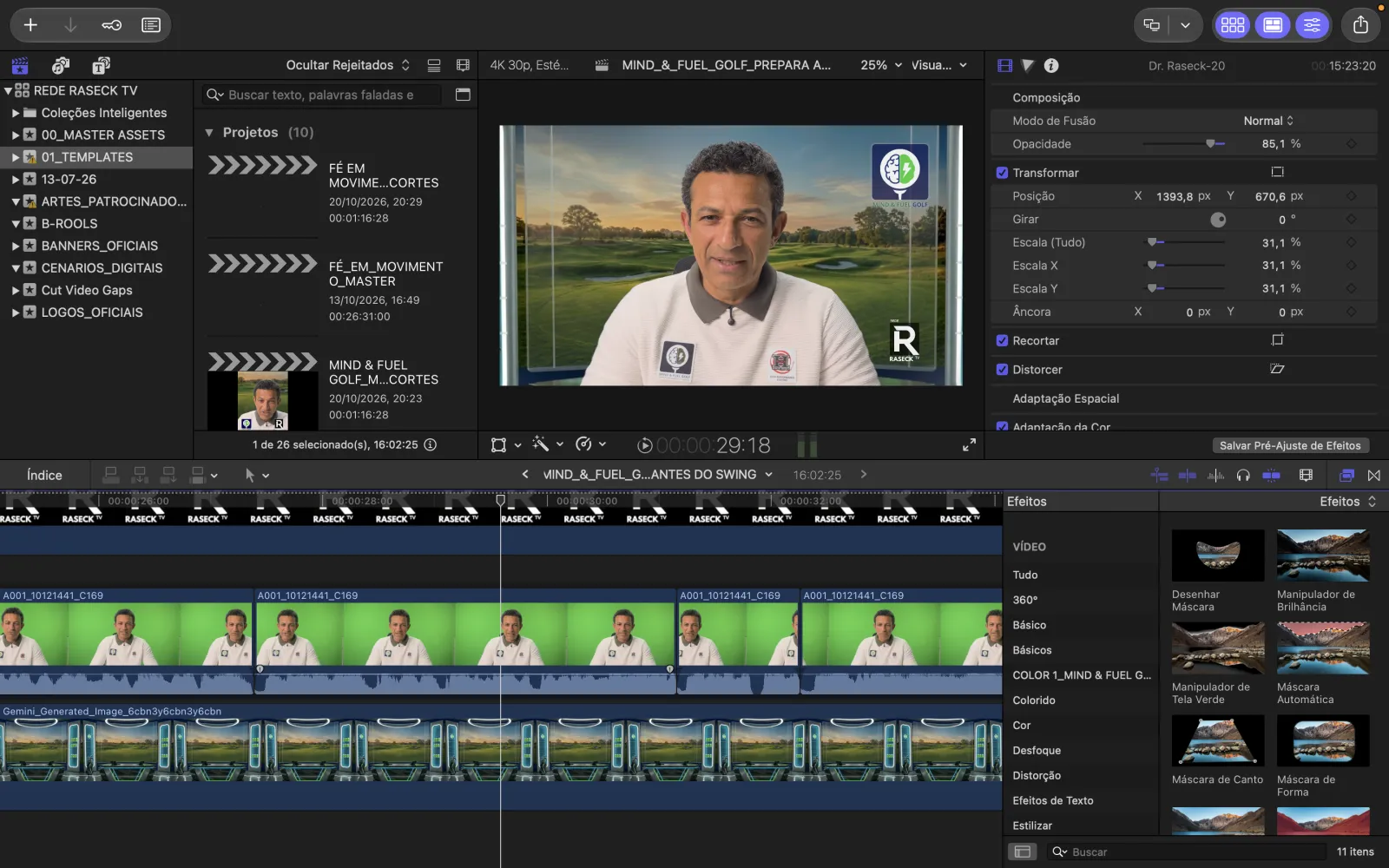
The team edits a 35-minute recording by hand in Final Cut Pro.
First test: Fast Cut on v1.1.0, a 35-minute Apple ProRes 422 file on an M1 MacBook Pro. Rating 3/5, and the whole review was “slow.” The video export was the slow part.
We replied personally and asked what was slow: which mode, which file, which Mac. v1.2.0 shipped with much faster exports for videos with many cuts.
Second test, AI Auto-Cut on v1.2.0: 35:22 cut to 23:56 and exported to Final Cut Pro as 315 clips in under a minute.
The team nicknames the app “Navalinha” and approves this case study in writing.
Engineering: Electron, FFmpeg and on-device AI
Electron, React and TypeScript
A macOS desktop app for Apple Silicon built with Electron, React, TypeScript, Vite and Tailwind. Signed, notarized and auto-updating, so a fix reaches every user without a reinstall.
FFmpeg as the media engine
Silence is found from a loudness envelope. Video exports re-encode at the exact frame with hardware encoders; audio-only exports are lossless.
On-device AI with faster-whisper
Transcription runs in Python, packaged into the app with PyInstaller. Tested in English, Hindi and Punjabi (bad-take detection also in Urdu); this customer's recording was in Portuguese.
Export rework in v1.2.0
Frames are routed to their cut group before the exact trim. In our test a 17-minute interview with 355 cuts exported in 28 seconds instead of 7 minutes on an M1 Pro, same frames and audio: about 15x faster.
Editor hand-off without a re-encode
The Final Cut Pro export points at the original ProRes file instead of rendering a new one, so a long cut opens in the editor quickly and every cut stays editable.
No upload step
Footage and transcripts stay on the Mac, so a large ProRes file is processed where it already sits and never goes to a third party.
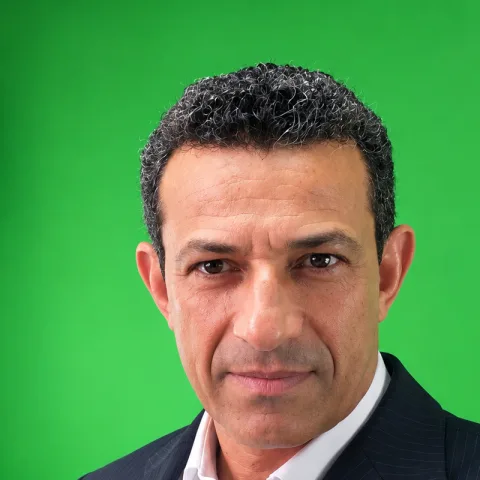
“Of all the tools I have tested in this category, Cut Video Gaps is the best I have ever used and the only one I have truly approved. Its efficiency, precision, and integration with my editing workflow have genuinely impressed me.”
The result on a real recording
- 35:22 recording cut to 23:56, with 11:26 removed
- 2,969 Portuguese words transcribed on the Mac; 49 filler words, 11 repeated words and 53 possible retakes marked for review
- AI Auto-Cut took about 5 minutes on an M1 MacBook Pro
- Exported to Final Cut Pro as 315 clips in under a minute, pointing at the original ProRes file, every cut editable
- The team estimates an episode now takes about 6 hours instead of 14 (their estimate, not a timed comparison)
- About ten days after the 3-star review, the team nicknamed the app “Navalinha”, Portuguese for “little razor”, for how cleanly it cuts
- Next: the customer's log showed AI Auto-Cut spends most of its time reading audio from large ProRes files, and we are working on making that faster
Need something similar?
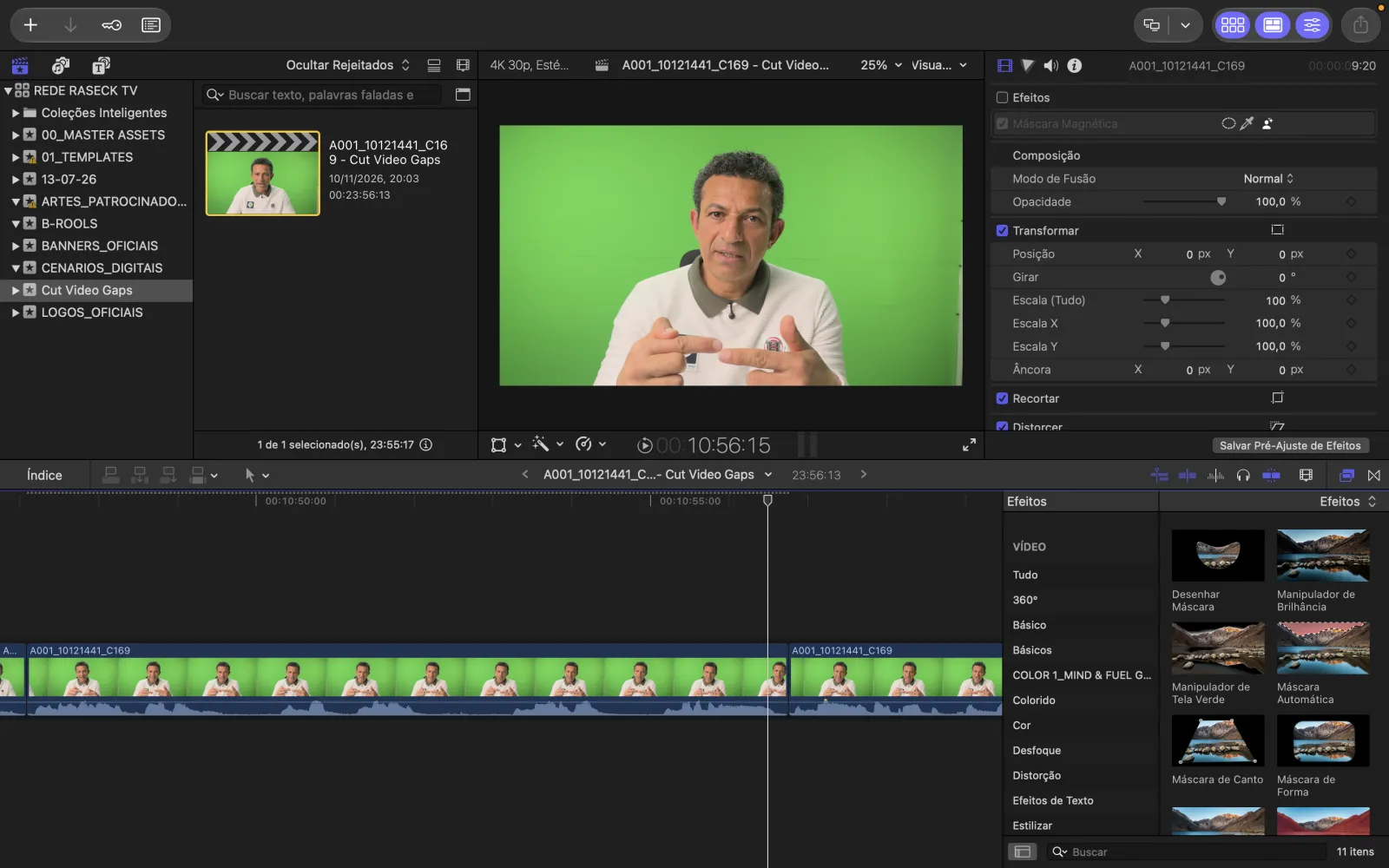
Final Cut Pro workflow: before and after
Published with Rede Raseck TV's written approval. They use the free public beta and received 5 bonus processing hours after sharing feedback.